
Comparison · Software comparisons and alternatives
SkySlope vs Paperless Pipeline: which one to buy for checklists, review and price
Buy Paperless Pipeline if you want a published price that moves with your deal count and ignores headcount: $69 to $715 a month, unlimited users. Buy SkySlope Suite, from $340 a month, if you want forms, e-signature and a rejection that forces a written reason from one vendor.
Who buys each one?
Paperless Pipeline sells to the brokerage and prices by the deal. Nine tiers run from $69 a month for up to five new transactions to $715 for 450 or more, every one with unlimited users, month to month. A transaction counts once, when the file is created, and the quota resets on your billing date. Paperless Pipeline's own FAQ says it is not a forms company. It added Pipeline eSign to every account in October 2025 and still works with DocuSign and Dropbox Sign.
SkySlope Suite also sells to the brokerage, from $340 a month, and the rest is a quote. The pricing page carries that one figure, an asterisk saying no long-term contracts are required, and a demo form that asks how many agents you have before anyone calls back. Forms is included. DigiSign, SkySlope's e-signature, and Books are add-ons.
Side by side
SkySlope Suite and Paperless Pipeline on the things that decide the purchase
| SkySlope Suite | Paperless Pipeline | |
|---|---|---|
| Who buys it | The brokerage. Quote only, from $340 a month. | The brokerage. Nine published tiers, $69 to $715 a month. |
| What moves the bill | Unpublished. The demo form asks how many agents you have. | New transaction files created each month. Users are unlimited. |
| Forms and e-signatures | Forms included. DigiSign is $6.25 a month per account, billed annually. | No forms library. Pipeline eSign built in, billed per ten requests. DocuSign works too. |
| How a file gets its checklist | Picked on the file from the office's Listing or Transaction checklists. | Templates apply themselves when status, side or label matches. |
| Who approves | Admin, Auditor or Broker. Office Managers cannot. | Anyone with the Review docs permission, usually the broker or an admin. |
| Sending a document back | Reject. A comment to the agent is required. | No reject in the help pages. A doc comment plus an un-ticked task. |
| How the agent finds out | Update Agent email with every comment and a DigiSign resend link. | The doc comment is emailed if the brokerage turns that on. |
| Is review optional | Built in. Auditing the checklist is the admin's primary job. | Yes. Reviewed Docs can be switched off in Company Settings. |
| Getting files out | One archived file at a time, with the download tool. | Free monthly backup zip. Data is deleted a few weeks after you cancel. |
How does each one pick the checklist?
In SkySlope the brokerage builds checklists in the Admin Hub, one set per office and per file type, Listing or Transaction, and copies them between offices. Each item carries a required flag that a reviewer can flip during an audit. The default checklists cannot be deleted, only hidden. The checklist is chosen on the file, so getting the right list onto the right deal is a person's job, with one exception: a buyer-agreement file opened before there is a contract shows only the Buyer Agreement Documentation section and lands in its own stage.
Paperless Pipeline turns that job into a rule. An admin builds a template once and it applies itself whenever a transaction's status, side or label gets the value it watches, within its own location unless a master admin extends it to all of them. Tasks carry due dates counted from contract or closing, a visibility setting and a daily reminder email, and only admins can add, edit or delete them. If your offices keep forgetting to attach the right list, Paperless Pipeline removes the step.
What happens when a reviewer sends a document back?
SkySlope's help page says an admin's primary role is to audit the agent's checklist and mark each document accepted or rejected. Quick Audit opens the first Pending item. Accept moves it to Completed. Reject makes the reviewer leave a comment telling the agent what to fix. Unaccept and Unreject put the item back to Pending with the comments kept. Smart Assist, SkySlope's AI, pre-checks signatures and initials and suggests Cleared or Flagged in 21 states, though the same page also says California and Arizona only. Take the longer list as current. Only Admin, Auditor and Broker accounts can rule on a document. An Office Manager cannot approve one or open Quick Audit.
The agent hears about it through the Update Agent email: a link to the checklist, every item's status with its correction comments, and a DigiSign shortcut to resend anything marked Incomplete. Multi-stage review adds stages such as Initial Review and Final Broker Review that filter the queue. The Primary Broker account creates them.
Paperless Pipeline's unit of review is the document. A user with the Review docs permission, usually the principal broker or an admin, works the Unreviewed page, which lists every unreviewed document across the brokerage, and ticks each one Reviewed. The Transaction History records who did it and when. The help pages show no reject button. The compliance feature page promises “Reject with a reason”, but every help page describes a doc comment, emailed to the agent if the brokerage switches that on, and an admin un-ticking the agent's check so the task returns to the agent's Tasks page and daily reminder. Assume that is what you get. Tasks complete in two stages for the same reason: agents mark them Agent-checked or Not Applicable, and only an admin can complete them. An office that does not do compliance review can switch Reviewed Docs off in Company Settings.
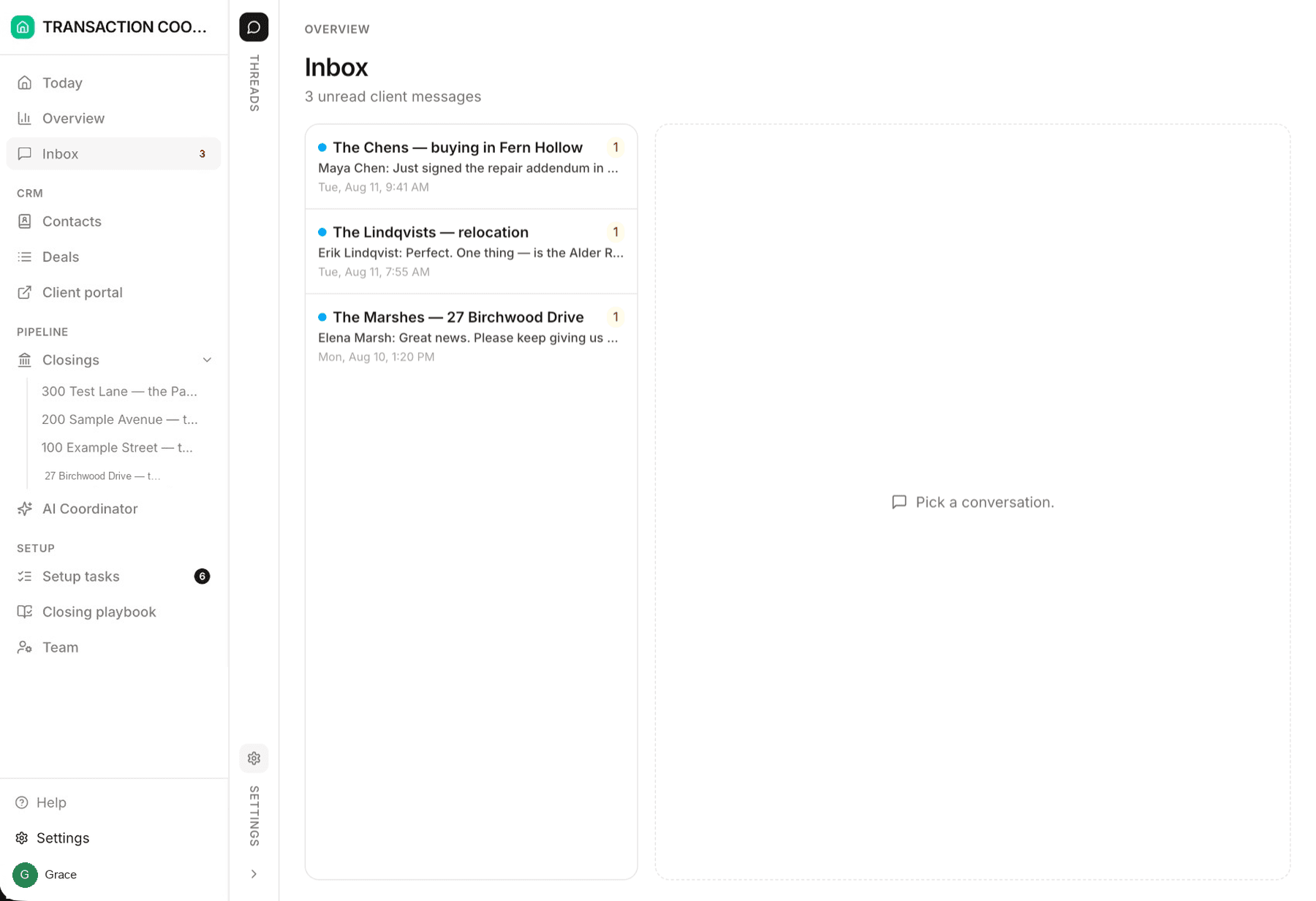
Both products review what the agent has already uploaded, and both remind the agent. Neither one emails the lender when the appraisal is late or the title company when the commitment has not arrived. SkySlope's Smart Assist checks signatures. Paperless Pipeline's tasks are a list you tick. That gap is where DeedSpring sits, from $15 a month.
What does each one cost?
Paperless Pipeline's pricing page is the whole price list: $69 for up to five new transactions a month, $140 for ten, $240 for forty, $425 for 150 and $715 for 450 or more, then $1.65 each. The Commission Module adds $58 to $185 a month depending on tier. Partial months are not prorated. The 14-day trial covers nine transactions, and your first 30 days after upgrading are unlimited.
Three things sit outside the tier. Overages are off by default. Switched on by a master admin, each file over the limit bills a flat $15, waived if you upgrade in the same cycle. Left off, new transactions are blocked at the limit until someone upgrades. Pipeline AI, which builds a file from the contract, was priced at $1 a run with $5 of free credits when it launched in July 2026. Pipeline eSign is billed in blocks of ten signature requests against a cap the admin sets, and the price per block is shown only inside the app.
SkySlope publishes a floor. Suite starts at $340 a month, and what that covers is a quote. Forms is included. DigiSign is $6.25 a month per account, billed annually, so an office with 15 accounts that need to sign pays $1,125 a year on top unless the brokerage's contract includes it. The DigiSign order runs twelve months and renews for twelve more at then-current rates. Suite's own term is not published. Before you sign, get three things in writing: what the $340 covers, whether DigiSign is in it, and how long the term is.
At ten deals a month Paperless Pipeline costs $140 against SkySlope's $340 floor. At forty, $240 against $340. At 150, Paperless Pipeline's $425 passes a floor that, for an office that size, is only the start of a quote. Adding people changes nothing on Paperless Pipeline. On SkySlope, every account that signs adds $75 a year.
What happens to your files when you leave?
Paperless Pipeline gives you a free monthly backup: a zip organized by property address, documents in their original format, notes, emails, checklists and history as plain text, available for 30 days to anyone with the backup permission. Data stays online for ten years from a transaction's creation while you pay. Cancel and it is removed within a few weeks, so download first. Past backups can be regenerated for a fee the vendor prints two ways, $140 per four months on the help page and $100 on the FAQ, so budget $140. A read-only Archive Plan is $35 a month.
SkySlope's answer is written for the agent: files in Suite cannot be transferred from one brokerage to another, and the download tool pulls one archived file at a time. No page describes a brokerage-wide export, so plan on a file-by-file job before the account closes.
Who should pick Paperless Pipeline
A brokerage that wants to know the bill before the demo and expects headcount to grow faster than volume. Every tier is on the page, users are unlimited, checklists attach themselves, and a TC office that does not do compliance review can turn review off. Accept that the correction path is a comment and an un-ticked task, and switch on doc-comment emails on day one so agents actually hear about it.
Who should pick SkySlope
A brokerage that reviews every file and wants the reason for every rejection on the record. Reject cannot happen without a comment, the Update Agent email carries it, and the agent resends through DigiSign from the same message. Forms come with Suite. Budget DigiSign per account, and get the Suite term and inclusions in writing, because the pricing page gives you neither.
The job neither one does
SkySlope and Paperless Pipeline are where the paperwork goes to be checked. DeedSpring is the coordinator who makes sure the paperwork, and the deal, show up on time. Upload the executed contract and it reads the price, deposits, contingencies and dates into deadlines on the file. It checks every open closing every hour, flags what is slipping, and drafts the chases and client updates for you to send, with anything sensitive or negotiable always waiting for a person. Your buyers and sellers get a portal, and e-signing is built in. If your brokerage mandates SkySlope or Paperless Pipeline for compliance, DeedSpring sits beside it and does the chasing.
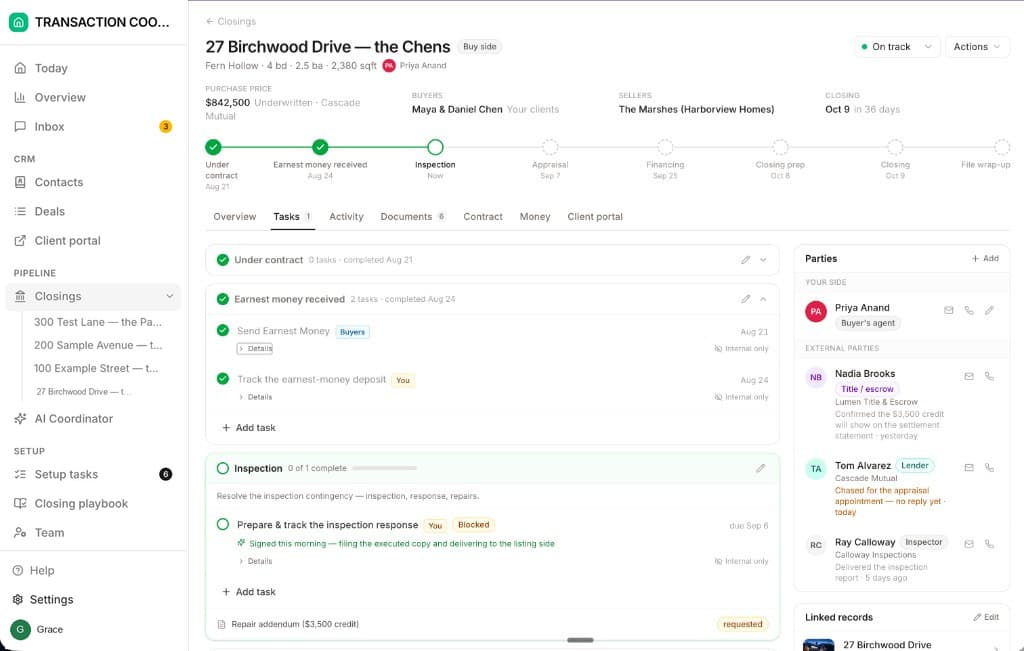
Starter is $15 a month for one closing a month. Standard is $25 a closing, $19 at twenty or more, with unlimited agents and teammates and unused closings rolling over. Both are month to month.
How we compared
We compared SkySlope Suite as a brokerage buys it with Paperless Pipeline's transaction management plans, using both vendors' pricing pages and help articles on checklists, document review, billing and leaving. Prices and pages were checked in October 2026.