
Comparison · Software comparisons and alternatives
SkySlope vs TransactionDesk: forms, file review and brokerage fit
SkySlope Suite is a brokerage purchase with review built in. TransactionDesk usually arrives free through an MLS or association, as an agent account your brokerage does not control, and Lone Wolf is moving member benefits, Texas first, to its newer Transact. Here is which edition you actually have, how broker review differs, and what each costs.
Which TransactionDesk do your agents actually have?
SkySlope and TransactionDesk are not bought the same way, and that is most of the decision. SkySlope Suite is sold to the brokerage. The brokerage creates every agent's account, and when the agent leaves, the account and the files stay behind.
TransactionDesk Edition, which Lone Wolf labels Transactions (TransactionDesk Edition), mostly reaches agents as a member benefit. In Michigan, Realcomp subscribers open it from an icon on the MLS dashboard. Tennessee REALTORS® members get it with Authentisign at no cost, and Lone Wolf says there is no difference in functionality between a paid account and the member-benefit one. Those are agent accounts. The brokerage did not buy them, does not administer them, and gets review rights only if it pays Lone Wolf for the Broker Edition on top.
The quick test is the menu. Broker File Review and Office Transactions sit under Broker Tools, which only brokers and staff with super-user access can open. If nobody in the office has Broker Tools and every account was created by the MLS, you are comparing SkySlope with a benefit your agents happen to have, and the comparison that matters is with the Broker Edition you would need to buy.
The second thing to know is that Lone Wolf has launched a newer platform. Transact is its transaction management module inside Lone Wolf Foundation, sold in an Agent edition and a Broker edition, with Authentisign for signatures. TransactionDesk is still maintained, with monthly release notes through September 2026 and a next release scheduled for October 28, 2026, but the Texas member benefits are moving to Transact, and anyone who started Transact after April 16, 2026 has had their TransactionDesk contacts migrated across automatically. Texas REALTORS® members get the agent version of Transact at no cost, and Lone Wolf's Texas page says TransactionDesk users at NTREIS, HAR and Unlock MLS are grandfathered into the Transact Broker Member Benefit edition while the Broker Edition of TransactionDesk is not part of the benefit at all. Unlock MLS in Austin has set the date: TransactionDesk leaves its subscription on December 7, 2026, and brokers on the Broker Edition can sign up for Transact Broker Edition directly through Lone Wolf.
So a brokerage choosing today is choosing between SkySlope Suite and a Lone Wolf product that is either TransactionDesk Broker Edition on borrowed time or Transact Broker Edition. The table carries all three.
How do they compare on paper?
SkySlope Suite, TransactionDesk Edition and Transact Broker Edition on the things a brokerage buys them for
| DeedSpring | SkySlope Suite | Transact Broker Edition | TransactionDesk Edition | |
|---|---|---|---|---|
| Who buys it | An agent, a team or the brokerage. Unlimited teammates on Standard. | The brokerage. It creates each agent's account. | The brokerage, through Lone Wolf sales or a demo. | Agent accounts come through an MLS or association. Broker Edition is bought separately. |
| Published price | Starter $15 a month. Standard $25 a closing, less at volume. | From $340 a month. What that covers is not published. | Quote only. | Quote only. Free to members where an MLS or association includes it. |
| Forms library | Bring your own. Keeps your forms and compliance system in place. | SkySlope Forms, included with Suite. | Licensed form libraries. | Board, association or broker forms inside the file. |
| E-signature | Built in on every plan. | DigiSign, an add-on. $6.25 a month per account, billed annually. | Authentisign, for an additional fee. | Authentisign. Included in some member benefits. |
| Broker file review | No approve or reject step. It flags files that are slipping. | Quick Audit. Accept or Reject each document, with a comment. | Reviews page. Approve or reject each document, then Needs Correction. | Broker File Review. A Quick Review queue or the Office Transactions list. |
| Who can approve | Broker/admin, team lead, TC, agent and assistant roles. Nobody approves documents. | Admin/Auditor or the Broker. Office Manager cannot. | Roles with review permissions, set by Lone Wolf at onboarding. | Only a broker reviewer approves fully. Staff, listing and closing reviewers approve partially. |
| Checklists | A closing playbook per closing type sets the milestones and tasks. | Per office, Listing or Transaction. Defaults hide, custom ones delete. | One per phase per transaction type, attached to office templates. | Transaction checklists. Marking an item ready notifies the reviewer. |
Where do the forms come from?
In SkySlope the forms are SkySlope Forms, included with Suite. Without Suite an agent either gets Forms through an MLS or association benefit or pays $15.99 a month or $149 a year for it. Signatures are a separate product, DigiSign, which the pricing page lists as an add-on and the help page prices at $6.25 a month per SkySlope account, billed annually, with brokerage-wide pricing through a Customer Success Manager.
In TransactionDesk the forms are whatever the board, association or broker has loaded, and a form is filled in on screen while a document is anything uploaded. That is why the product travels so well as a member benefit: the MLS supplies the library. Transact keeps the same split and describes its agent package as licensed form libraries with an eSignature add-on, meaning Authentisign costs extra unless an association has bundled it, as Tennessee REALTORS® and Texas REALTORS® have.
How does broker file review work in each?
SkySlope review runs through Quick Audit. The agent, or an in-office TC with TC Access, submits documents against the office checklist. An Admin/Auditor or the Broker opens the queue, reads the PDF, and clicks Accept or Reject, and a Reject carries a comment back to the agent. Smart Assist scans for missing signatures and initials in 21 states and suggests a Cleared status. Office Managers see the files but cannot accept or reject anything, and there is exactly one Broker role per brokerage.
TransactionDesk's Broker File Review is built the same way but with more reviewer types. A checklist item marked ready notifies the broker, staff, listing or closing reviewer set for it, and only a broker reviewer can fully approve a document. The others approve partially until the broker signs off. Reviewers work from a Quick Review queue that shows only what is waiting for them, or from the Office Transactions list if the office does not use reviewer roles.
Transact moves the trigger from the document to the phase. A checklist applies to one phase of one transaction type, say the Under Contract phase of a purchase, and submission starts the moment the agent clicks Offer Accepted. An agent can submit with mandatory paperwork still blank, which Lone Wolf does not recommend, but cannot submit with mandatory transaction details blank. The reviewer approves or rejects each document with a comment, sets the transaction to Approved or Needs Correction, and can email the agent a summary. Multi-tier review lets an office admin pass the file to the broker for the final step. Review permissions are assigned by Lone Wolf's implementation team at onboarding rather than by your own admin.
What none of the three does is run the file between reviews. Someone still has to read the executed contract into dates and chase the lender and the title company. DeedSpring reads the contract into the deadlines, checks every active file every hour, and drafts the chases for a person to approve and send.
What does each one cost?
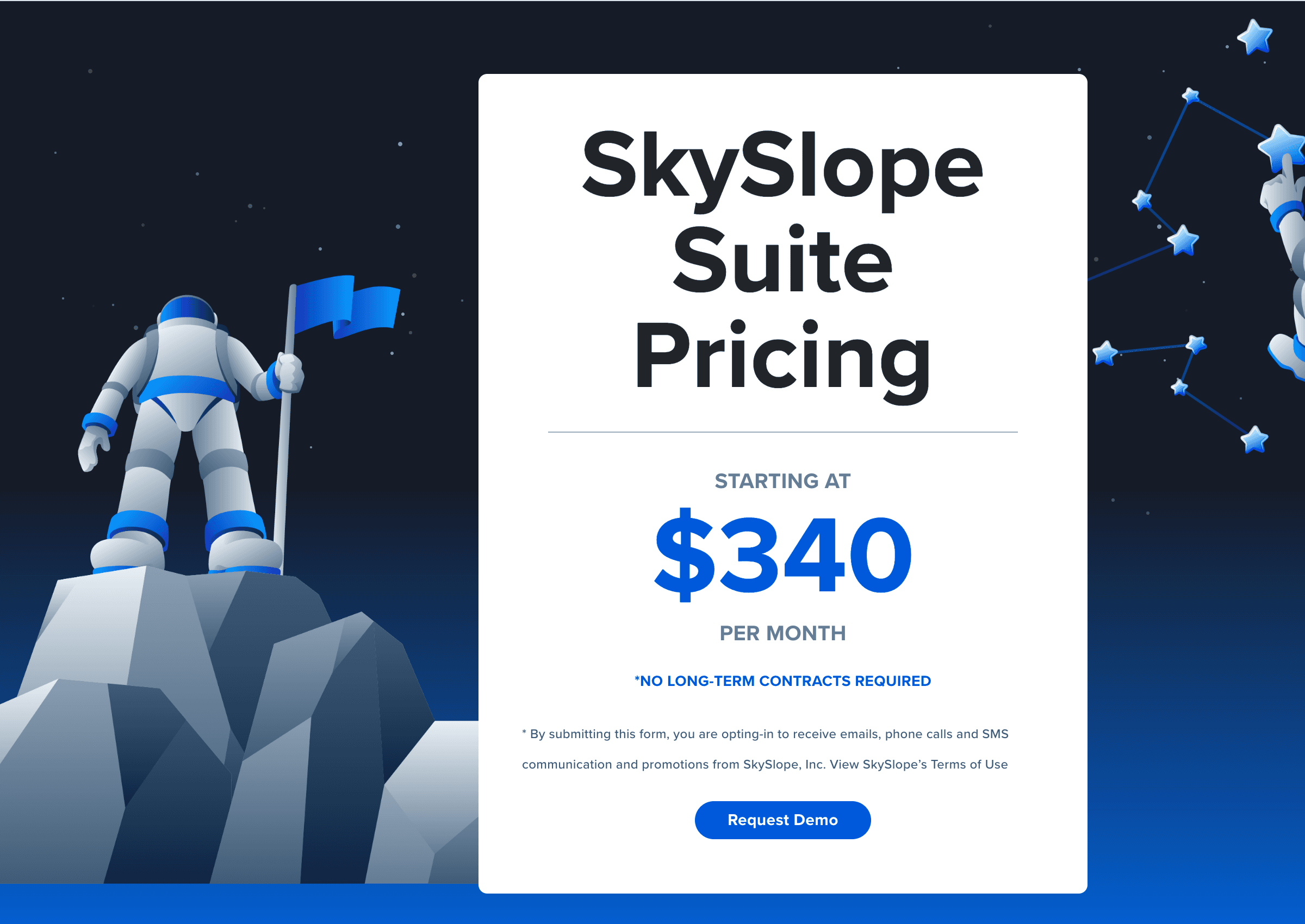
SkySlope Suite starts at $340 a month with no long-term contract required, Forms included, DigiSign and Books as add-ons. That is the whole published position. How many agents or offices the floor covers is not on the page.
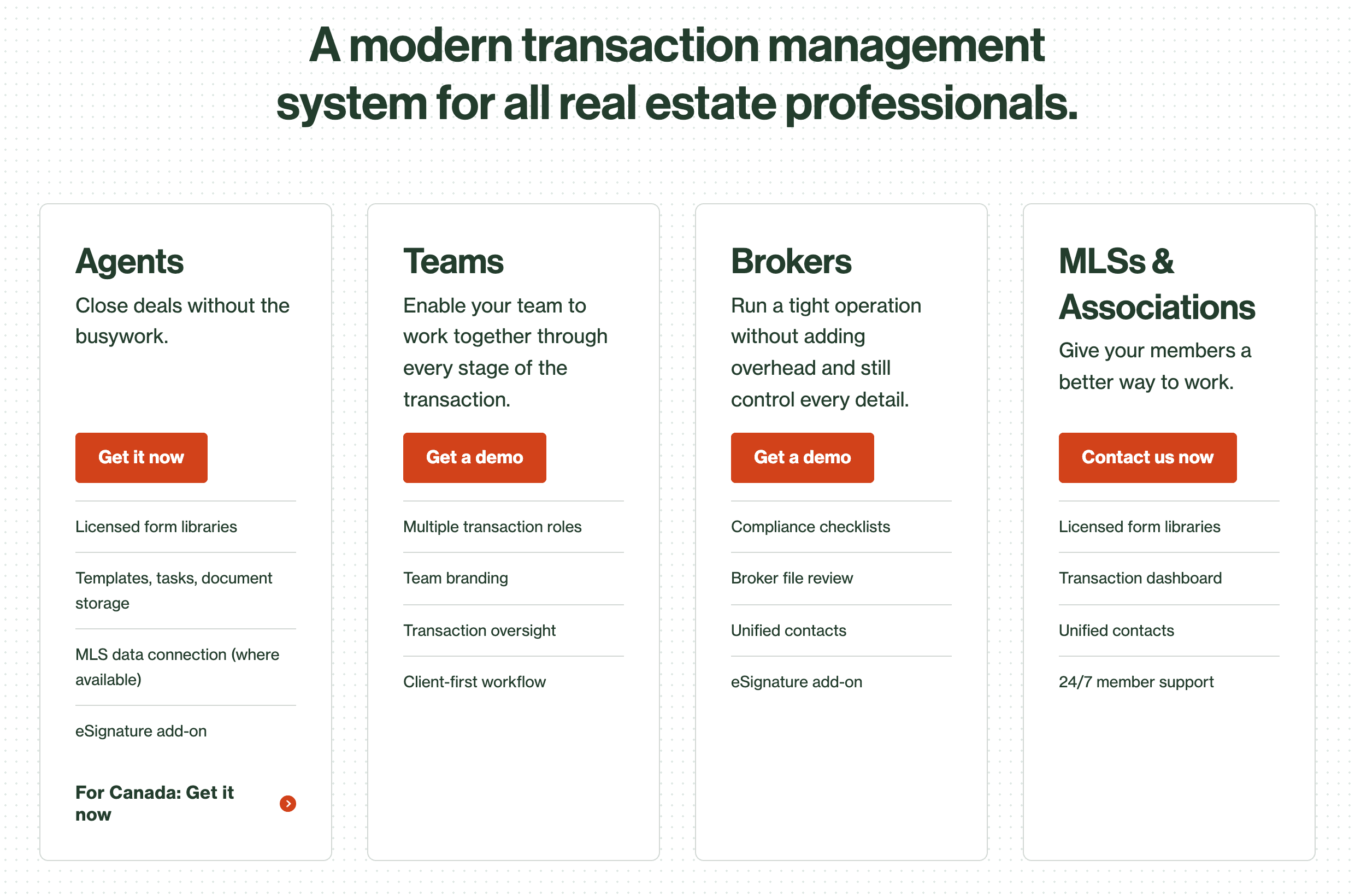
Lone Wolf publishes no price for TransactionDesk Broker Edition, Transact Broker Edition, or an individual TransactionDesk subscription. The Transact page sends brokers to [email protected] or a demo, and Unlock MLS says agents who want to keep TransactionDesk after December 7 can buy an agent-level subscription from Lone Wolf, without naming a figure. Where an MLS or association includes the agent edition, the agent pays nothing, and the brokerage's only cost is the Broker Edition quote. In every other case you are comparing one quote with another, with SkySlope's $340 floor as the only number on the table.
What happens to the files when an agent leaves?
In SkySlope the answer is settled by ownership. The account is tied to the brokerage, the departing agent loses access, and files cannot be transferred to a new brokerage even if it also runs SkySlope. In TransactionDesk a terminated agent's account and transactions stay with the office indefinitely, but whether an agent who transfers to another office can take their transactions is decided by your association, which allows or disallows transaction transfer, and then by an office setting under Broker Tools. If transaction transfer is not enabled, the transactions stay with the agent and the office keeps nothing it did not copy or export first.
So which should a brokerage buy?
Buy SkySlope Suite if you want the review system to be yours: your checklists per office, your Admin/Auditor accounts, your archive, and a published starting price with no long-term contract. Pay for Forms and DigiSign inside the package rather than hoping every agent's MLS benefit covers them.
Ask Lone Wolf for Transact Broker Edition, not TransactionDesk, if your agents already live in a Lone Wolf member benefit and your association has said it is moving to Transact, as Texas REALTORS® has. You keep the forms library and signatures the association funds, and you add checklists, office templates and multi-tier review on top. Buy TransactionDesk Broker Edition only if your MLS has made no move toward Transact and Lone Wolf confirms in writing how long the edition will be supported.
What does DeedSpring add to either stack?
SkySlope and TransactionDesk are where the paperwork goes to be checked. DeedSpring is the coordinator that gets the file to the check on time. Upload the executed contract and it reads the price, deposits and dates into deadlines on a closing playbook for that closing type. It checks in on every active file every hour and flags what is slipping on Today and on that closing's Overview, while the brokerage Overview counts the files at risk across every team. It drafts the lender chases and client updates, and every draft waits for a person to approve by default. Your roles, broker/admin, team lead, TC, agent and assistant, decide who sees which files, and e-signing is built in. Your forms library and your compliance review stay exactly where they are.
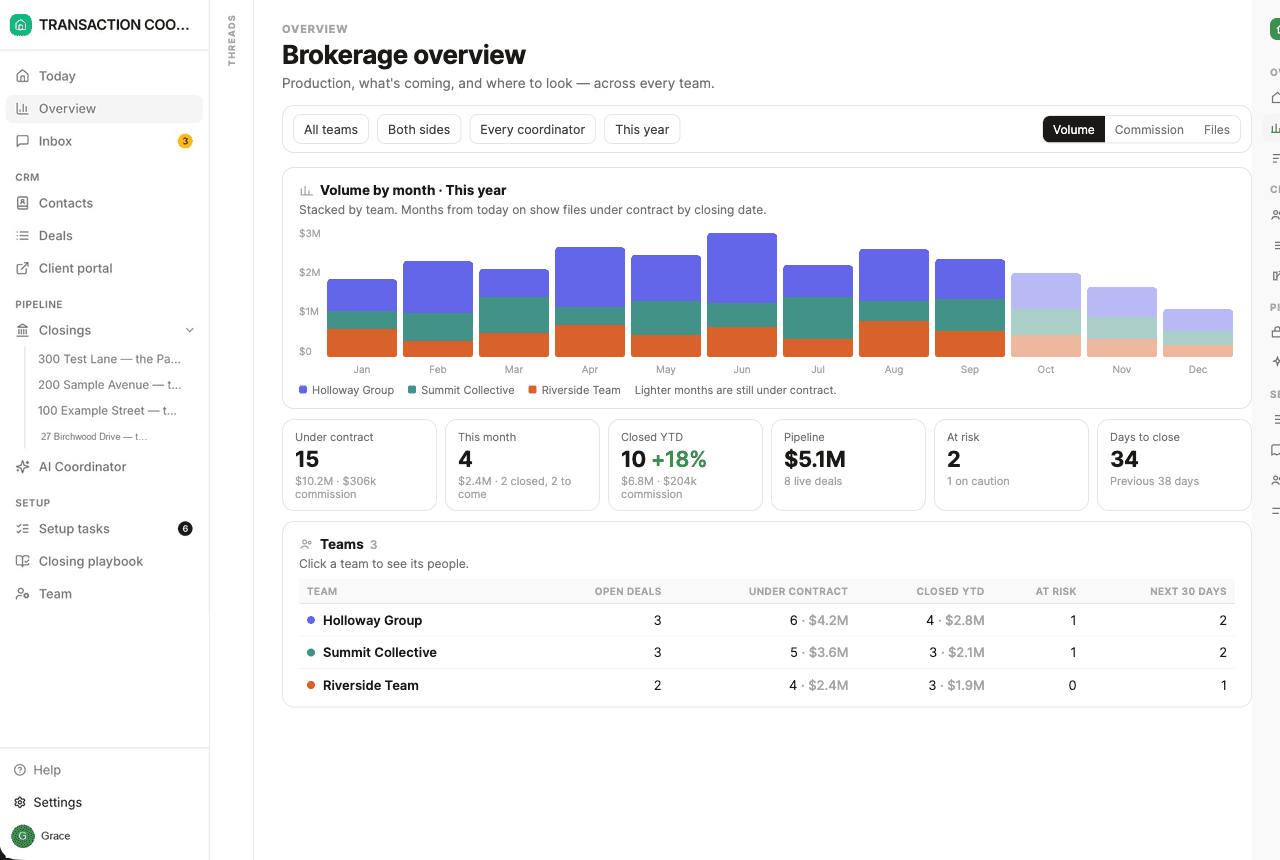
Starter is $15 a month for one closing a month. Standard is $25 a closing, less at volume, with unlimited agents and teammates and unused closings rolling over. Both are month to month, and the Brokerage plan is priced on application. See the pricing page for the volume tiers.
How we compared
We read SkySlope's pricing page and help articles on roles, Quick Audit and checklists, Lone Wolf's help articles on TransactionDesk Edition and Transact, and three public MLS and association benefit pages. We compared who buys each edition, how review works and what is published about price, in October 2026.