
Working with the assistant
DeedSpring has an AI assistant built into the workspace. It's not a chatbot bolted on the side — it can read your data, answer questions about it, and make real changes: update records, edit your closing process, restyle your portal, and automate the busywork.
Threads
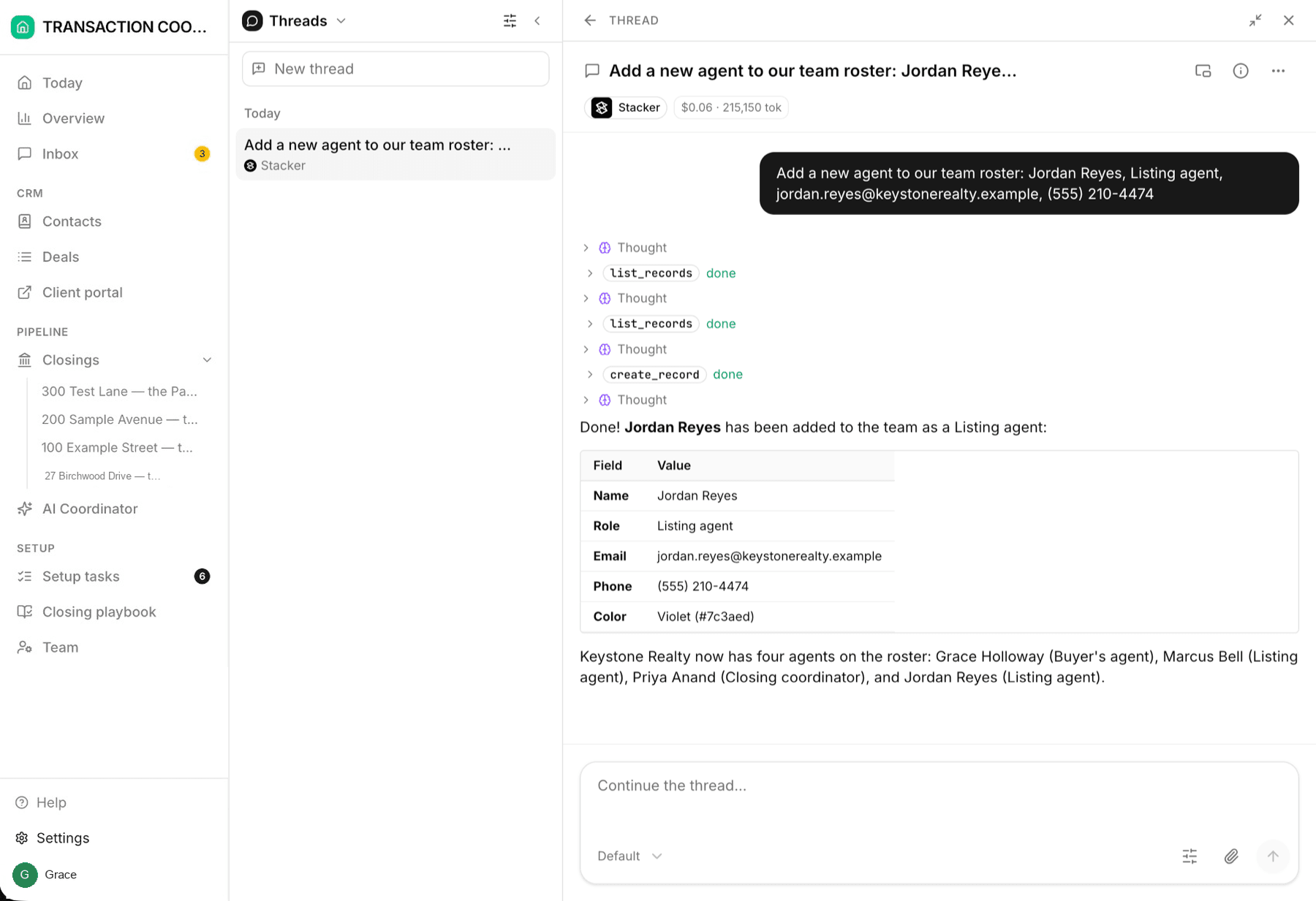
You talk to the assistant in threads — conversations opened from the sidebar. Each thread keeps its own history, so you can keep a long-running "pipeline questions" thread going while a separate one handles a portal redesign. Say what you want in plain language; the assistant explains what it's about to do, does it, and shows you the result.
What it can do
Answer questions about your business
Create and update records
Read documents
Change the product itself
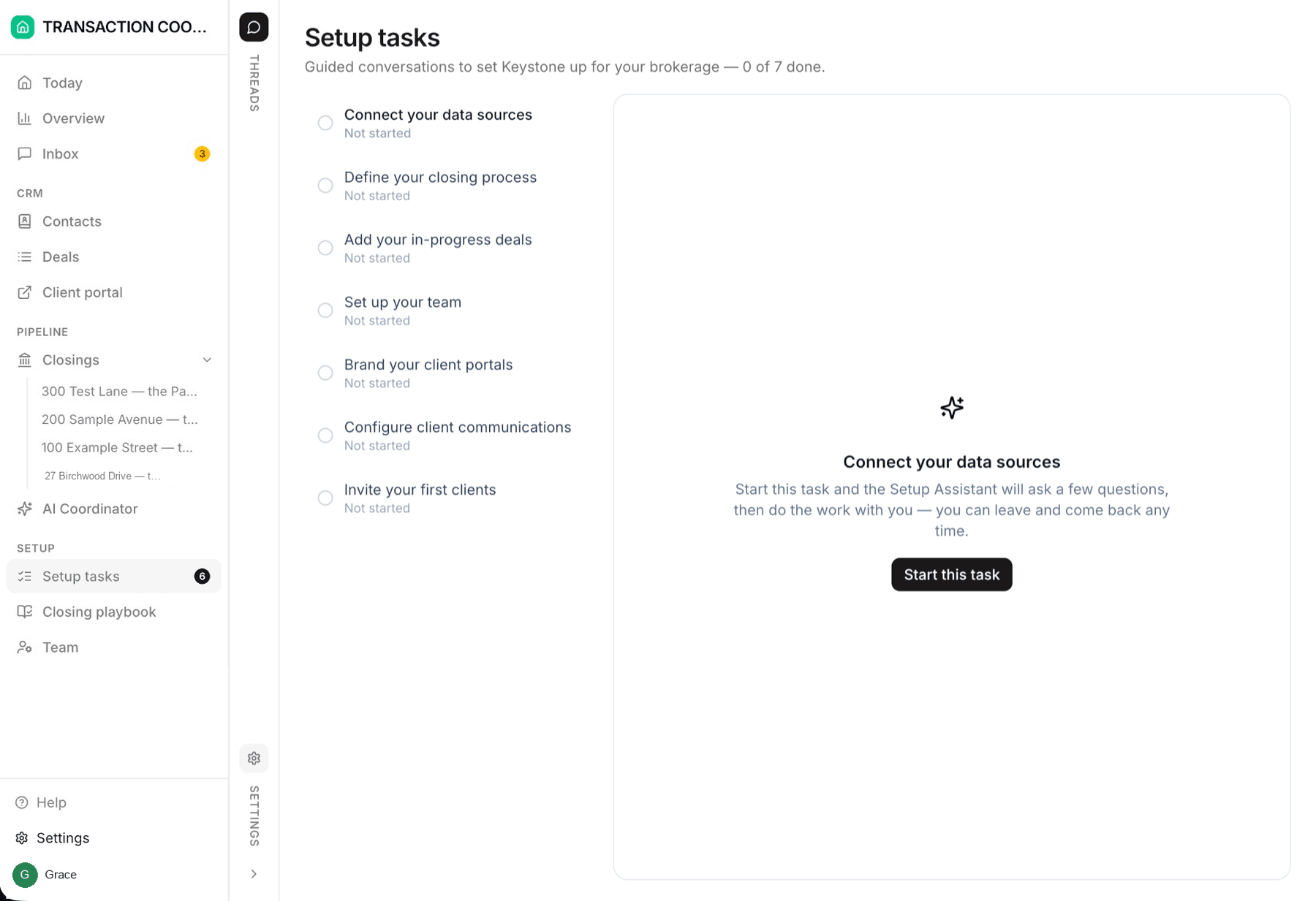
Setup tasks are assistant conversations
The Setup tasks page is the assistant put to work on onboarding. Each task opens a focused conversation where the assistant knows exactly what that task should accomplish, asks a couple of questions at a time, and acts as it goes. Setup tasks lists every conversation.
The assistant vs. the AI coordinator
DeedSpring has two AIs. The assistant in this article builds and changes the product with you. The AI Transaction Coordinator works your closings — it reads contracts, watches deadlines, reads the mail on each file and drafts the replies. You reach it from the AI Coordinator page, the Ask AI button on any closing, and its own thread on each file. Ask the assistant to change how the app works; ask the coordinator about a file. See Meet your AI coordinator.
Threads vs. the Inbox
Both look like chat; they serve different people:
- Threads are between you and an AI — the assistant, or the coordinator — and are private to your team.
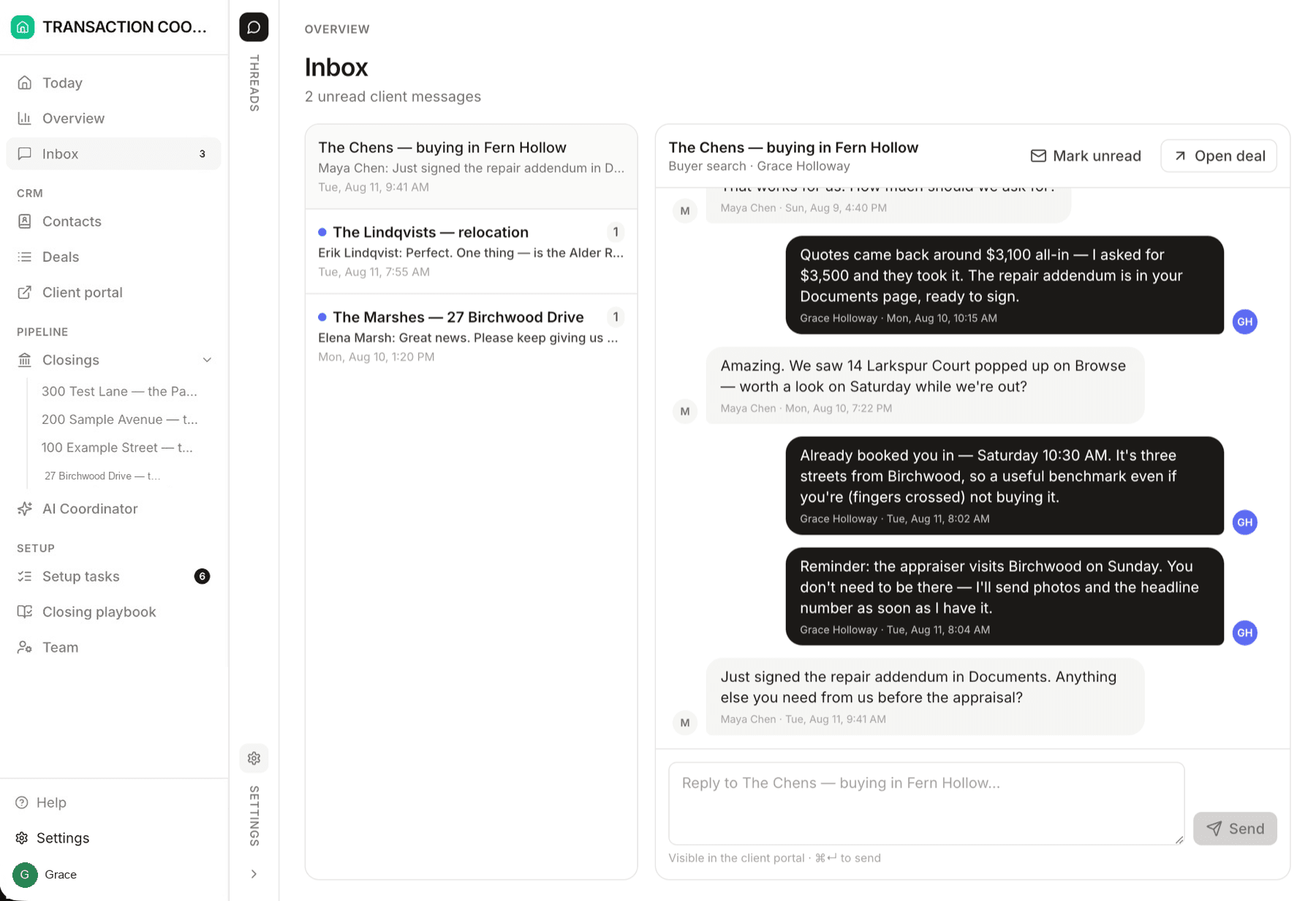
- Inbox conversations are between your team and real people: clients writing from their portal, and the email and texts with clients, lenders, title, and inspectors on each closing. Drafts the coordinator has written wait there for you to send.
Habits that get the best results
Name things. "The Chens' closing on Larkspur Court" beats "that closing".
Batch related asks. One message with three changes to the same deal is faster than three messages.
Review before big writes. For sweeping changes ("re-assign all of Marcus's deals"), the assistant proposes first — read the plan before saying go. It will always ask before deleting anything.