
Setup tasks
Setup tasks are guided conversations that take the workspace from the sample brokerage to your real business. Open one from Setup in the sidebar; the assistant asks a couple of questions at a time and makes the changes as you go.
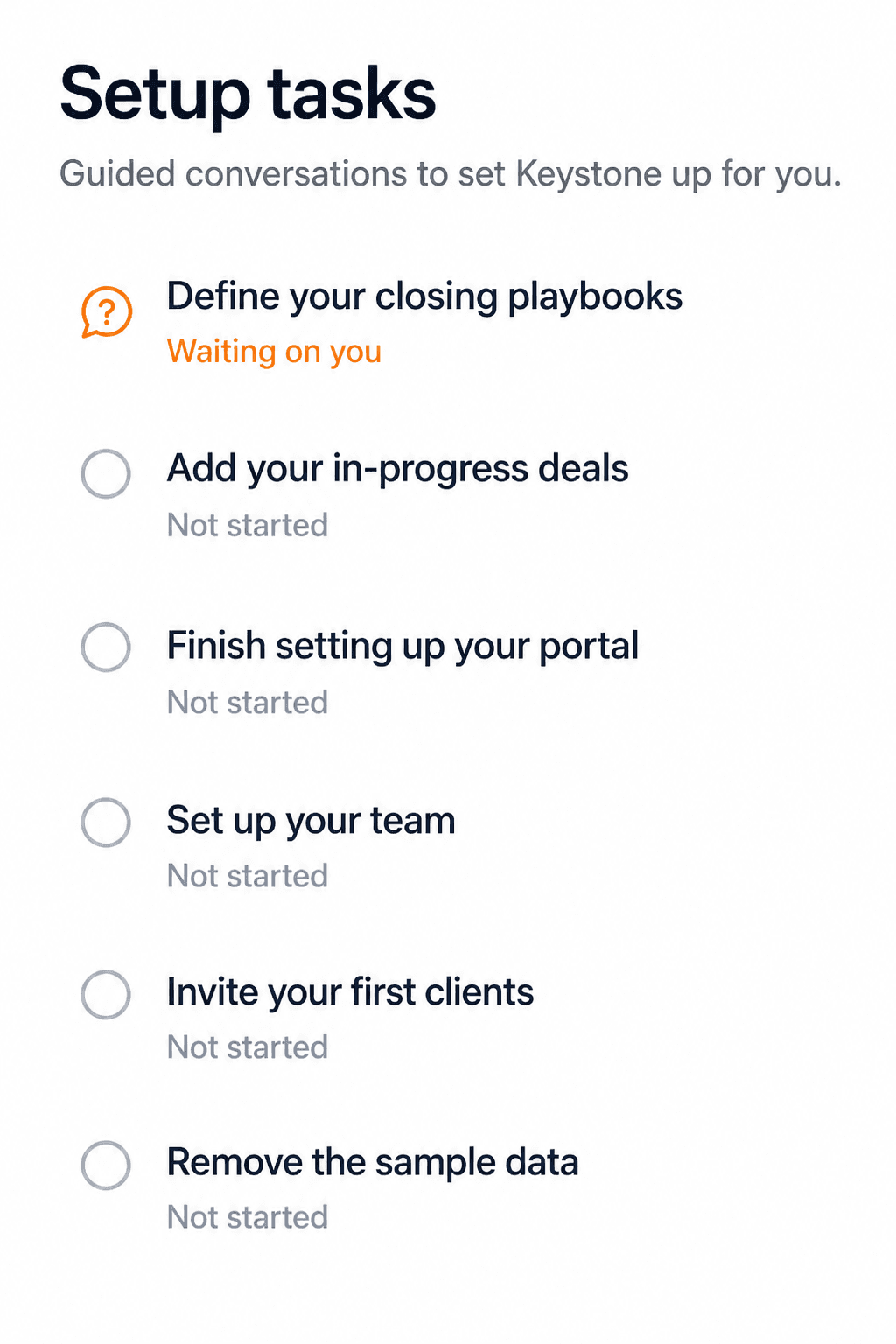
Each task is its own thread. Status on the list tells you where you are: Not started, Waiting on you (the assistant asked something and is paused), or done. Click a task to open the conversation. You can leave one half-finished and come back — the thread keeps the history.
The task list
Open a row for what that conversation covers:
How a task conversation works
The assistant speaks first, asks one or two questions, then acts — it will not dump a form on you. When the brief is genuinely done and you have confirmed what needed sign-off, it marks the task complete. Questions outside this task get a short answer, or a pointer to the matching task or a regular thread.
Config is next door
Setup tasks get your data and process in. Config is the switchboard for which side you represent, which pages appear in the nav, whether the AI coordinator is on, and what it may send by itself. You can flip those during a setup conversation too — or any time after.
- Setup tasks — guided, one topic per thread.
- Config — representation, feature switches, team visibility, the AI coordinator, and your Gmail connection, applied immediately.